Build, Import, or Template Your Resume
Keep every version of your resume in one place. Start from scratch, import what you already have, or pick a template — then export to PDF or share a link, free.
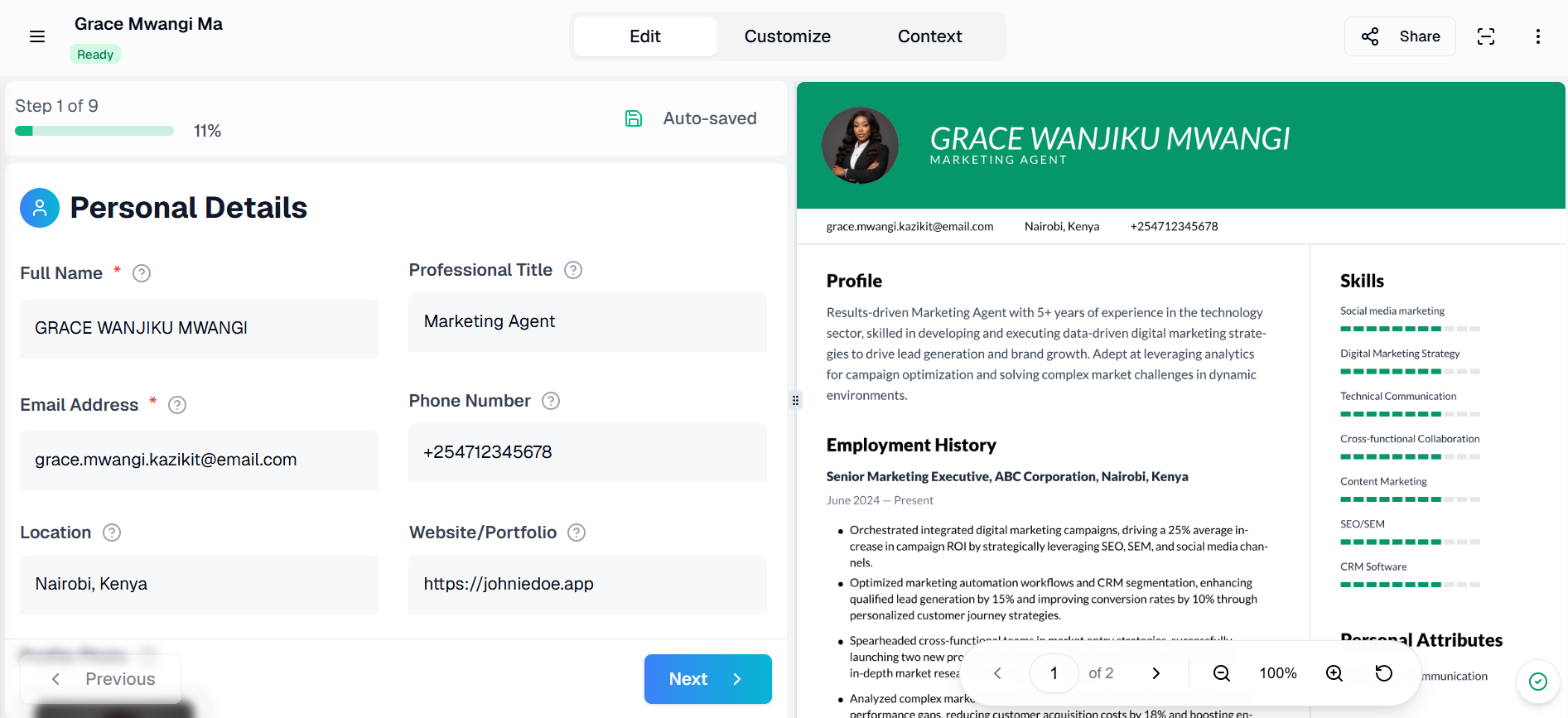
Illustrative example — your real dashboard reflects your own resumes.
How it works
Build from scratch, import an existing one, or start from a template.
Keep multiple tailored versions and track which ones are complete.
Export to PDF, or turn on a public link to share instead of a file.
More than a blank template
Already have a resume? Import it instead of retyping everything from scratch.
Not sure where to start? Browse a library of resume templates across different fields.
Control which resumes are public — share a link instead of an attachment when you want to.
Frequently asked questions
Do I have to start from scratch?
No — you can import a resume you already have, start from a template, or build a new one from a blank page. All three land in the same place, where you can keep editing.
Can I keep more than one version of my resume?
Yes — keep separate versions tailored to different roles or industries, and manage all of them from one dashboard.
Can I share my resume without sending a file?
Yes — turn on the public link for any resume and share it as a URL. You control which resumes are public and which stay private.
Is the resume builder free?
Yes, you can build and download a resume without paying. Create a free account to get started.